> ## Documentation Index
> Fetch the complete documentation index at: https://docs.hellotars.com/llms.txt
> Use this file to discover all available pages before exploring further.
# Explore different ways of creating a new Knowledge Base
> Create a new knowledge base by importing data from various sources such as websites, PDF documents, and CSV files.
Create intelligent knowledge bases from various data sources to power your AI Agents. Each source type has specific steps and configuration options.
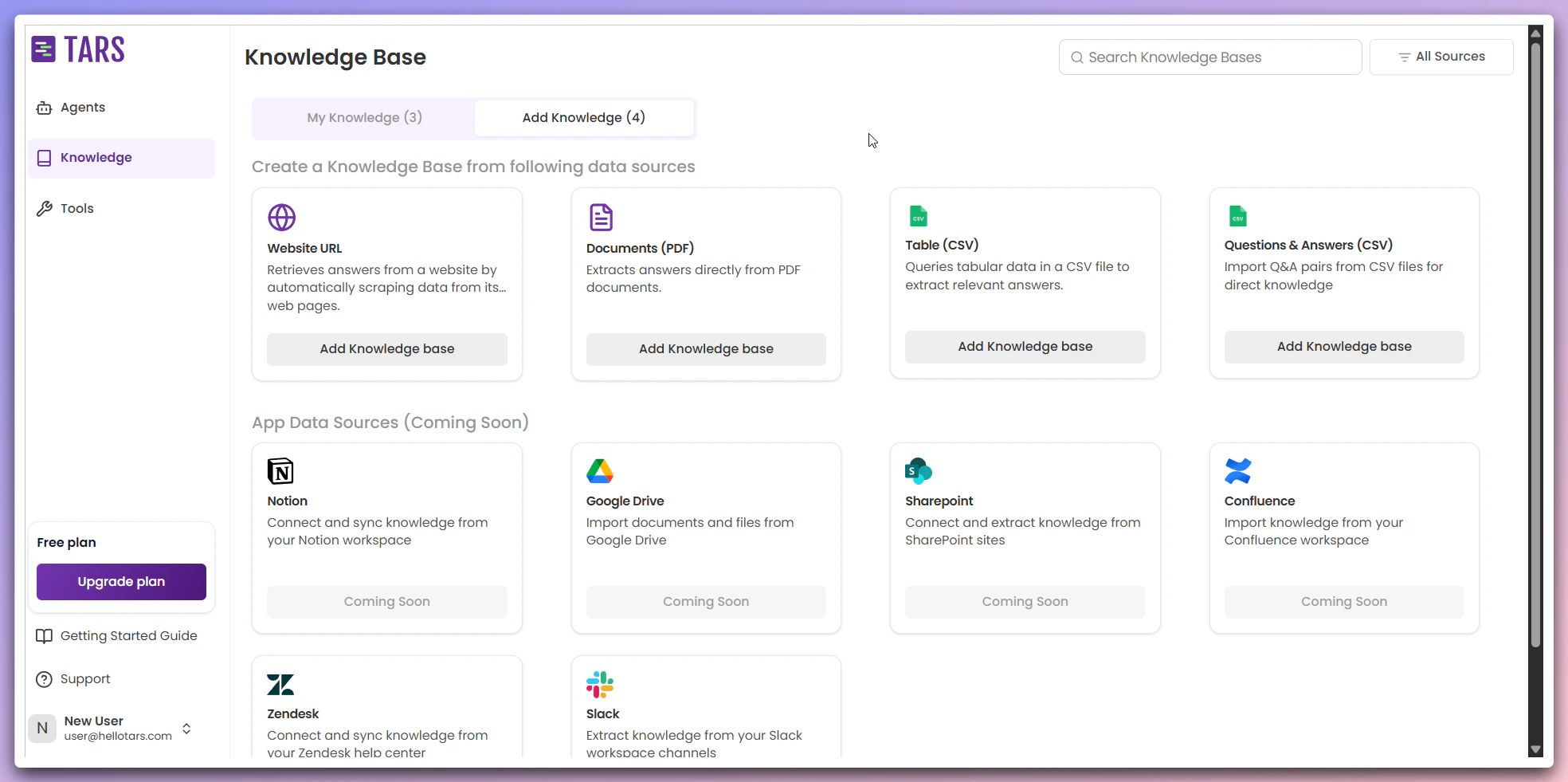 ## Available Data Sources
Scrape and index content from websites
Upload and process PDF files
Import structured data from CSV files
Connect additional data sources (coming soon)
## Available Data Sources
Scrape and index content from websites
Upload and process PDF files
Import structured data from CSV files
Connect additional data sources (coming soon)