> ## Documentation Index
> Fetch the complete documentation index at: https://docs.hellotars.com/llms.txt
> Use this file to discover all available pages before exploring further.
# Support resources
> Access tutorials, get real-time assistance, explore templates, and connect with the Tars community
The Support section provides multiple channels to help you get the most out of your Tars platform experience. Access tutorials, get real-time assistance, explore templates, and connect with our community.
## Accessing support
Navigate to the sidebar and click on the **Support** button to open the support options panel.
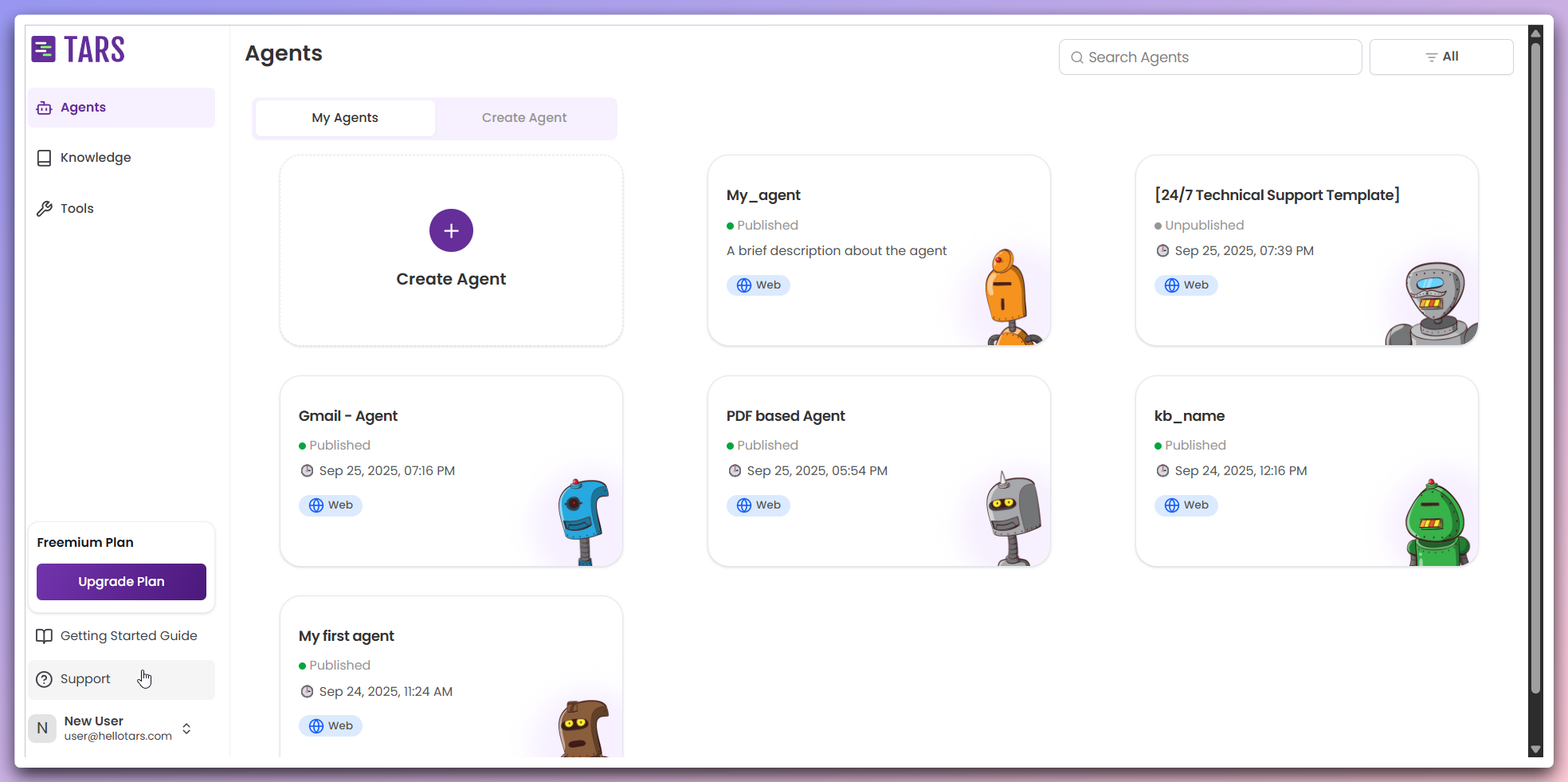 This opens a quick access panel with all available support options and resources.
Choose from the available support options in the dropdown menu:
This opens a quick access panel with all available support options and resources.
Choose from the available support options in the dropdown menu:
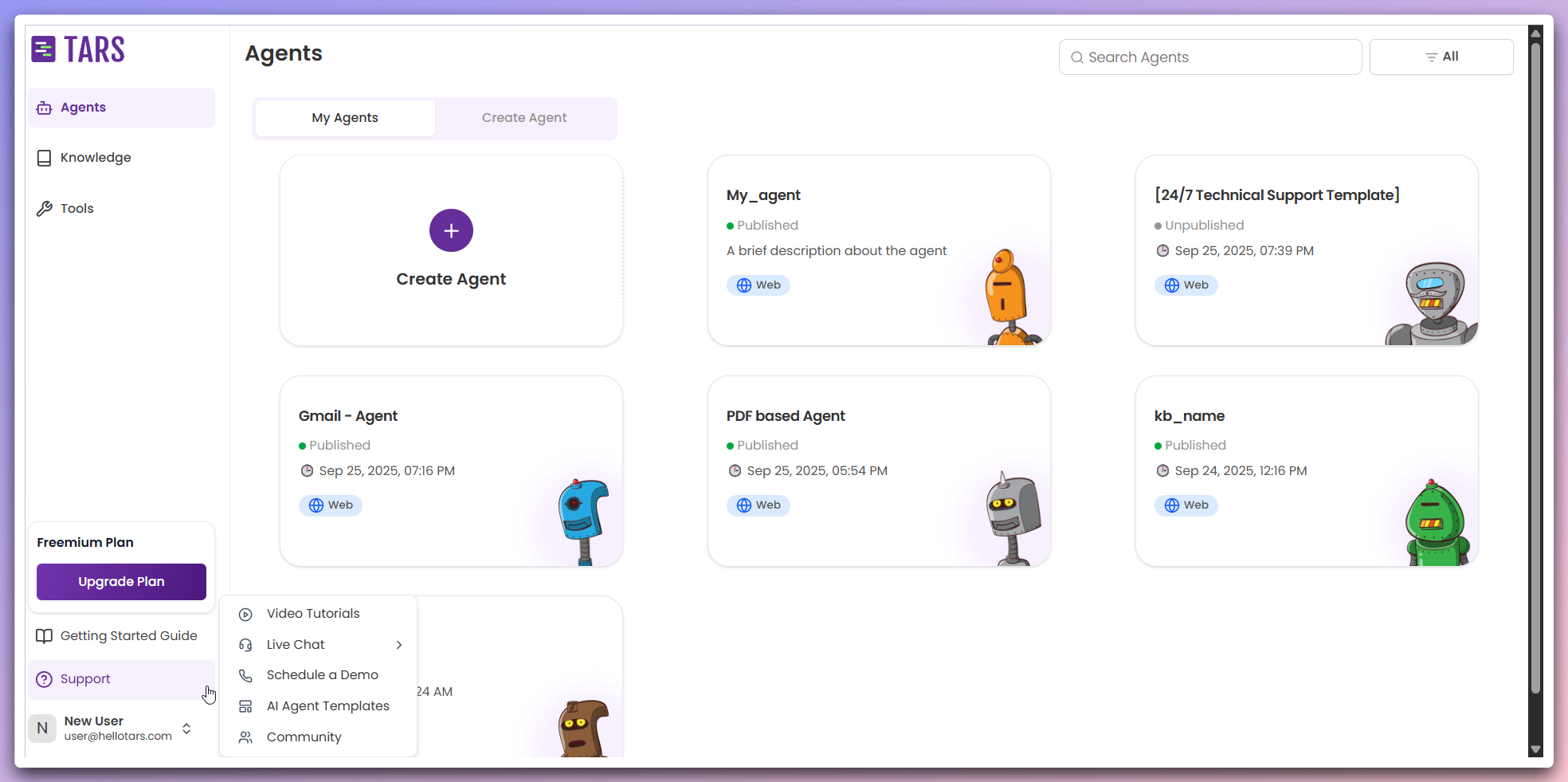 **Available support options:**
* **Video tutorials**: Access comprehensive video guides and tutorials
* **Live Chat**: Get real-time assistance from our support team
* **Schedule a demo**: Book a personalized demonstration
* **AI Agent templates**: Explore pre-built Agent templates
* **Community**: Join our Discord community for discussions and support
**New tab opening**: All support options open in new browser tabs, allowing you to keep your current work open while accessing support resources.
## Support options
Step-by-step visual guides for all features
Get real-time assistance from support team
Book a personalized demonstration
Explore pre-built Agent templates
Join our Discord community
## Best practices
**Start with video tutorials**: For common questions and learning, video
tutorials often provide the quickest answers and step-by-step guidance.
**Live Chat availability**: Live chat support is available during business
hours. For urgent issues outside these hours, consider using the community or
scheduling a demo.
**Community benefits**: The Discord community is a great place to connect with
other users, share experiences, and get peer-to-peer support from experienced
Tars users.
**Available support options:**
* **Video tutorials**: Access comprehensive video guides and tutorials
* **Live Chat**: Get real-time assistance from our support team
* **Schedule a demo**: Book a personalized demonstration
* **AI Agent templates**: Explore pre-built Agent templates
* **Community**: Join our Discord community for discussions and support
**New tab opening**: All support options open in new browser tabs, allowing you to keep your current work open while accessing support resources.
## Support options
Step-by-step visual guides for all features
Get real-time assistance from support team
Book a personalized demonstration
Explore pre-built Agent templates
Join our Discord community
## Best practices
**Start with video tutorials**: For common questions and learning, video
tutorials often provide the quickest answers and step-by-step guidance.
**Live Chat availability**: Live chat support is available during business
hours. For urgent issues outside these hours, consider using the community or
scheduling a demo.
**Community benefits**: The Discord community is a great place to connect with
other users, share experiences, and get peer-to-peer support from experienced
Tars users.