Accessing support
Click support button
Navigate to the sidebar and click on the Support button to open the support options panel.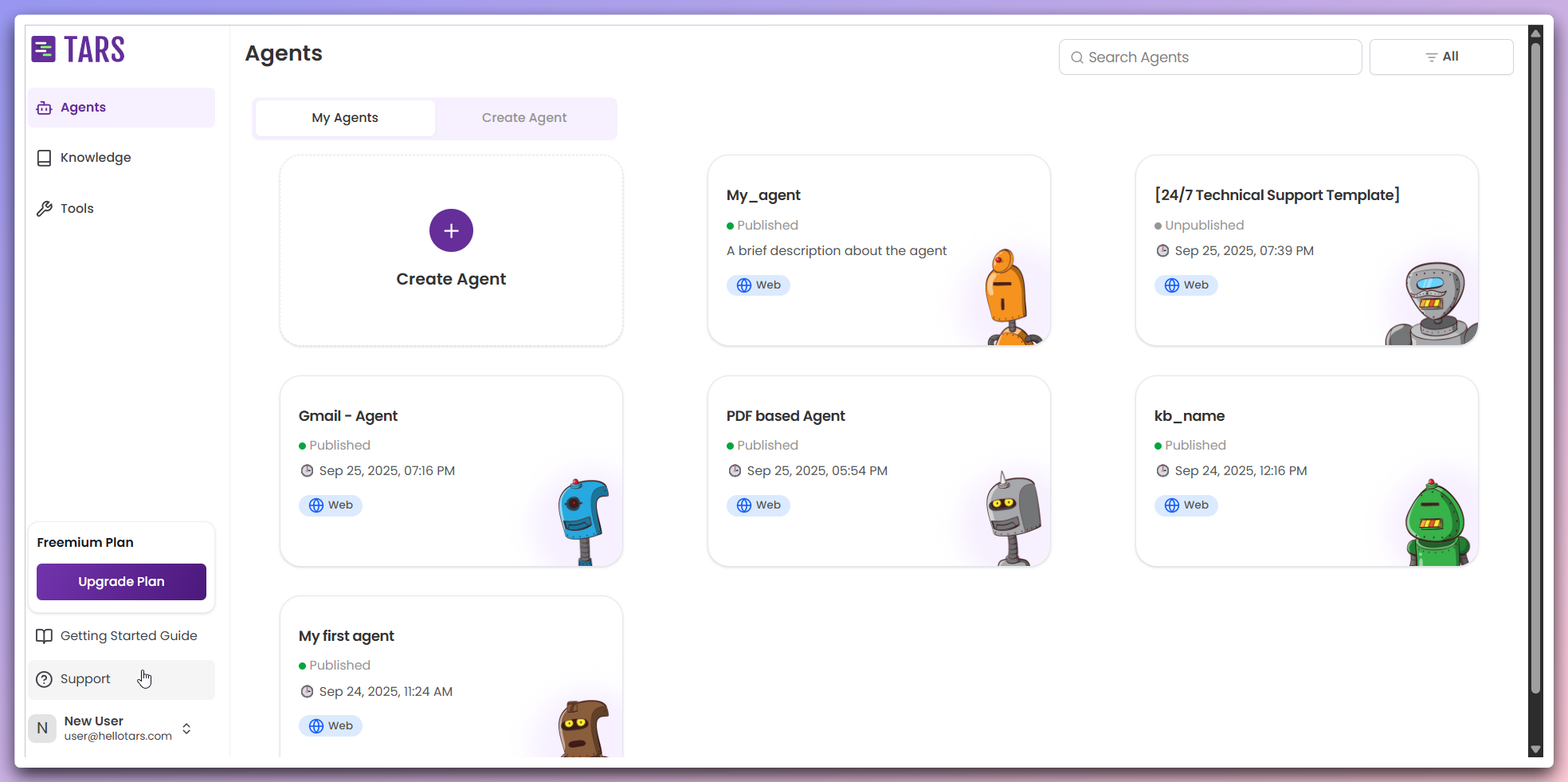
This opens a quick access panel with all available support options and resources.
Select support option
Choose from the available support options in the dropdown menu: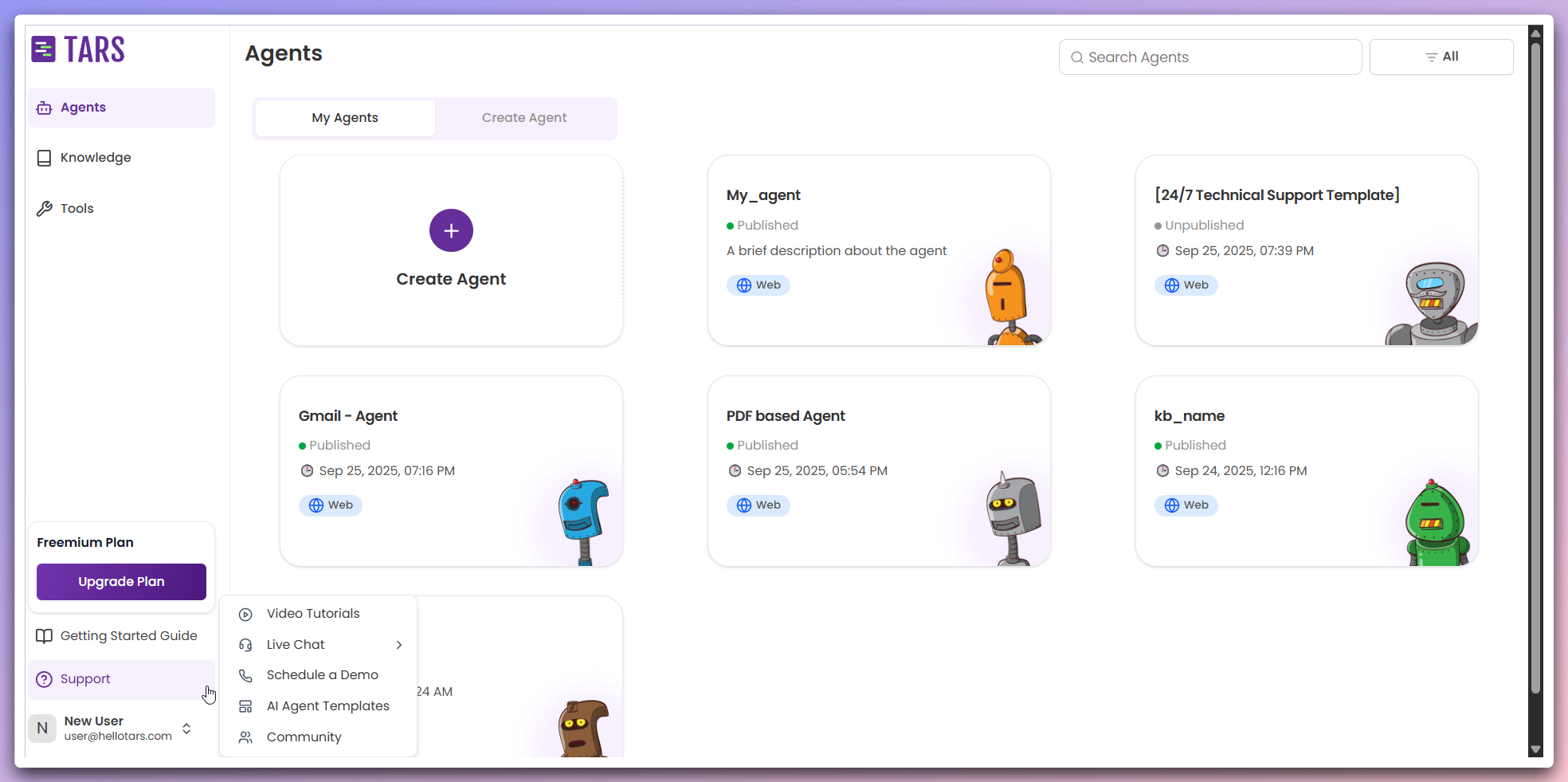
- Video tutorials: Access comprehensive video guides and tutorials
- Live Chat: Get real-time assistance from our support team
- Schedule a demo: Book a personalized demonstration
- AI Agent templates: Explore pre-built Agent templates
- Community: Join our Discord community for discussions and support
New tab opening: All support options open in new browser tabs, allowing you to keep your current work open while accessing support resources.
Support options
Video tutorials
Step-by-step visual guides for all features
Live Chat
Get real-time assistance from support team
Schedule a demo
Book a personalized demonstration
AI Agent templates
Explore pre-built Agent templates
Community
Join our Discord community
Best practices
Community benefits: The Discord community is a great place to connect with
other users, share experiences, and get peer-to-peer support from experienced
Tars users.