
Sign in using social media accounts
Sign in with Google
Sign in with LinkedIn
Outlook
Sign in with Outlook
Enterprise SSO
Sign in with Enterprise SSO
Sign in using your Email and Password
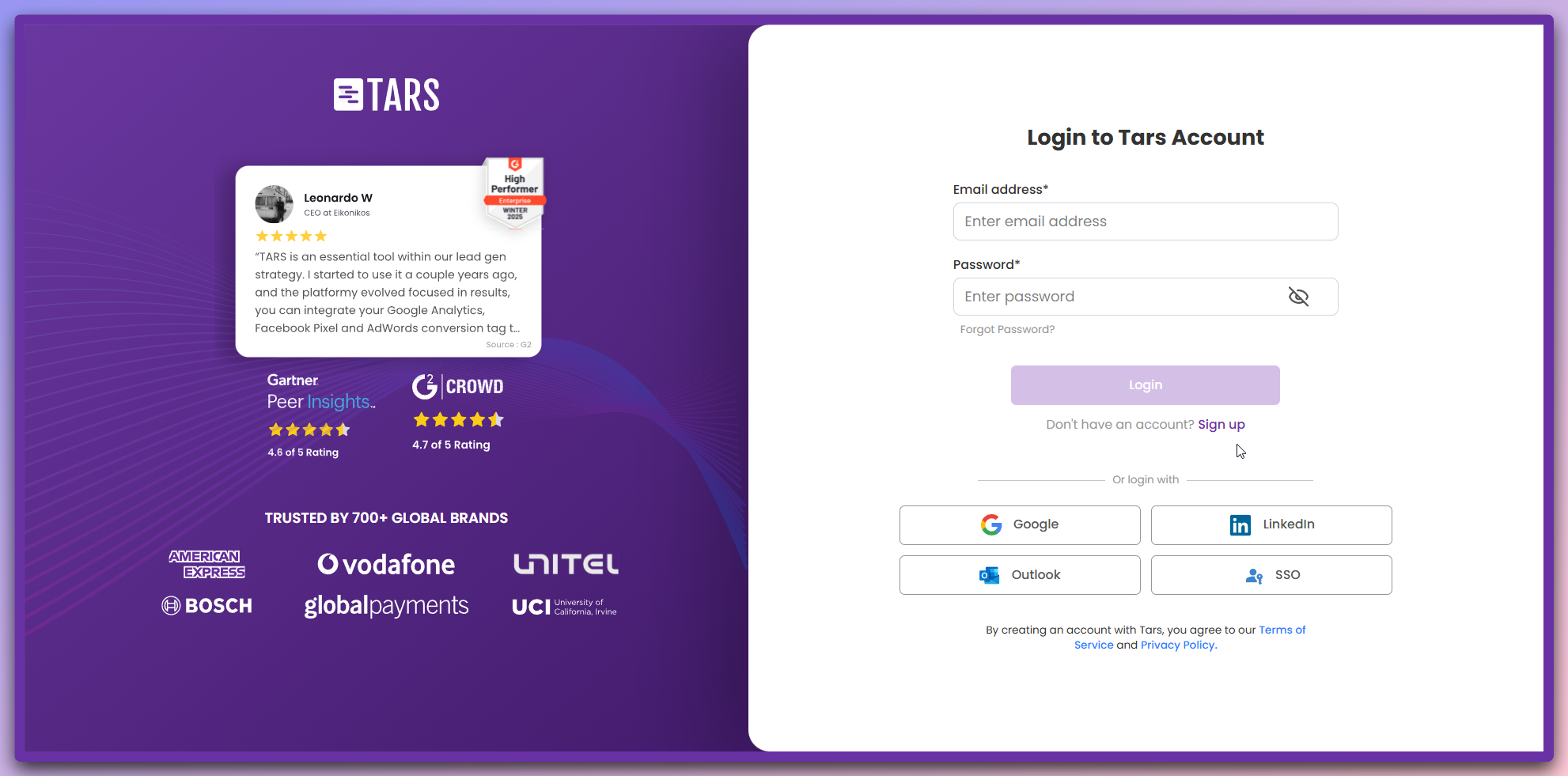
How to sign in
- Enter your registered email address
- Enter your password
- Click “Login” to access your account
Forgot your password?
If you can’t remember your password, follow these steps to reset it:1
Request password reset
- Click “Forgot Password?” on the login page
- Enter your email address
- Click “Send Reset Link”
2
Check your email
- Look for the reset email in your inbox
- Click the reset link in the email
3
Create new password
- You’ll be redirected to the password reset page
- Enter your New Password
- Confirm New Password
- Click “Reset Password”
Security tips
Next steps
Welcome back! After signing in, you’ll be taken to your dashboard where you can manage your AI Agents and continue building.